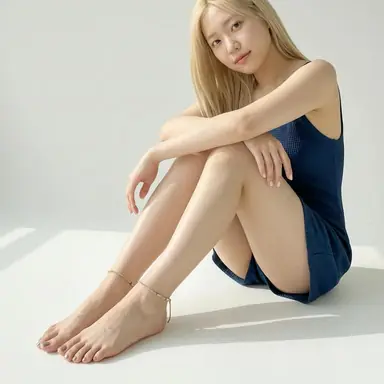
Realistic AI Feet Pics
Build natural-looking lifestyle, studio, fashion, or beauty images with controlled light and framing.
One image per generation
Create Custom AI Feet Pics from Text
Direct the pose, soles, toes, styling, setting, and framing, then generate a realistic or illustrated image built around your idea.
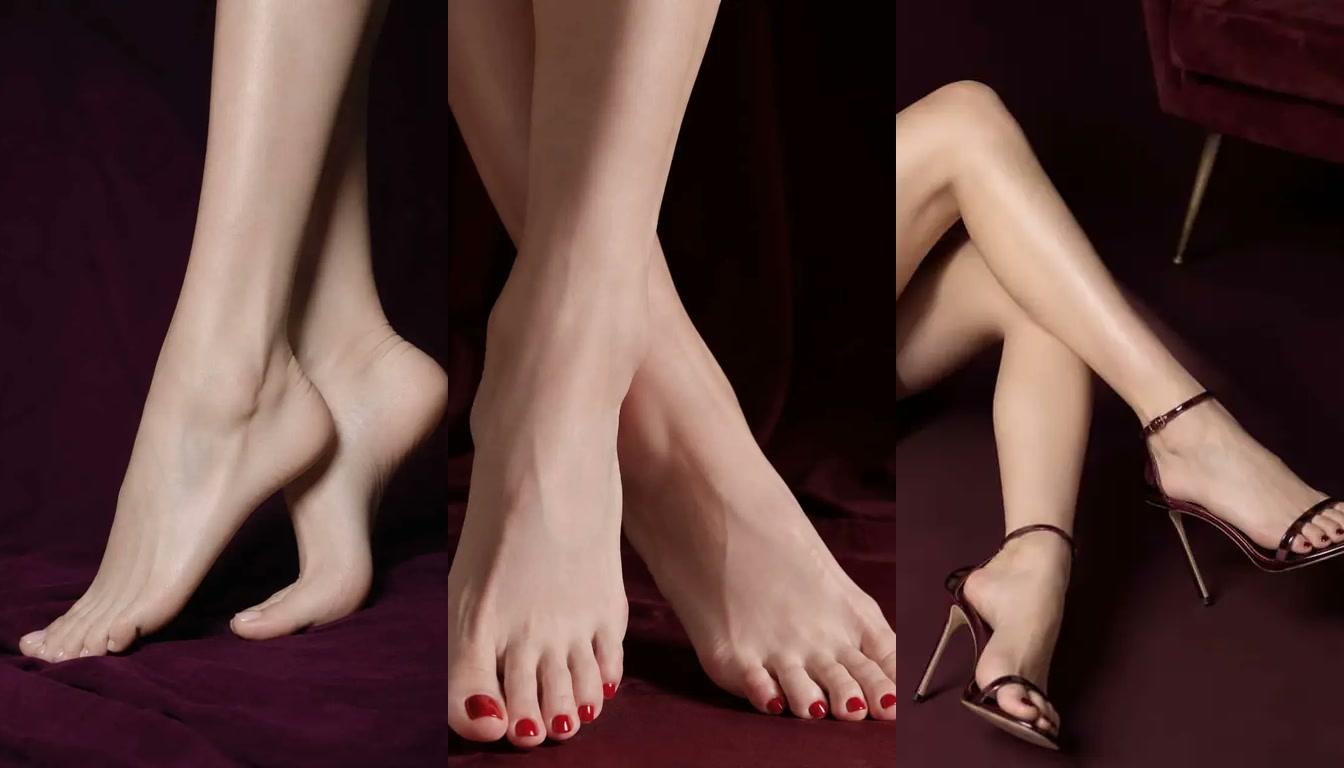
Turn a written idea into an original AI feet image. Choose a feet-specific pose, realistic or illustrated styling, subject details, location, and aspect ratio, then refine the result with your own prompt.
01
Choose a Feet Pose
Start with a preset for soles, toes, close-ups, crossed feet, standing poses, shoes, pedicures, or a balanced basic composition.
02
Shape the Complete Look
Select the visual style, subject appearance, skin tone, clothing, setting, accessories, and aspect ratio that fit your concept.
03
Describe, Generate, and Refine
Add a concise prompt for the camera angle, lighting, mood, and finishing details. Generate the image, then adjust your choices for another variation.
One generator, multiple feet styles
Use the AI feet pics generator as a focused starting point for realistic feet photos, illustrated concepts, sole-forward compositions, detailed toes, pedicures, footwear, and natural barefoot scenes.
Build natural-looking lifestyle, studio, fashion, or beauty images with controlled light and framing.
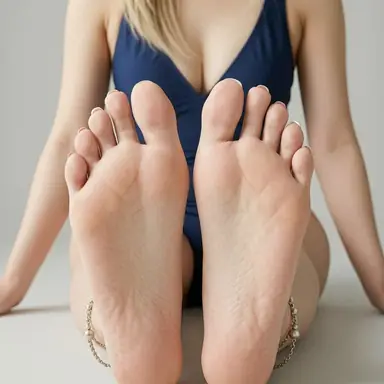
Frame one or two soles from a front-facing, relaxed, crossed, raised, or low-angle perspective.
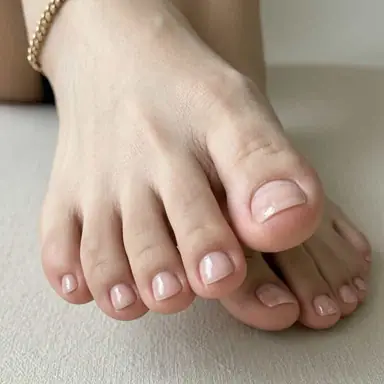
Focus on toe shape, nail color, French tips, jewelry, sandals, heels, and close-up beauty styling.
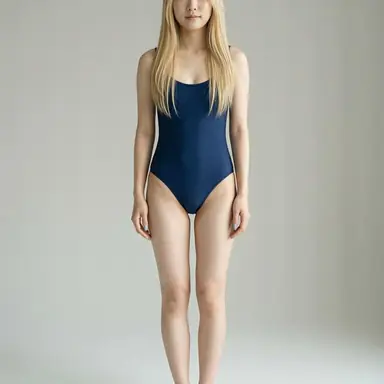
Create standing, seated, reclining, walking, or relaxed barefoot compositions in a complete scene.
Soles, arches, and camera perspective
Create a sole-focused image by choosing the Soles, Crossed, Close-up, or Standing preset and describing the exact camera relationship. You can request both soles facing the camera, a single raised foot, visible arches, natural skin texture, soft studio light, a relaxed indoor setting, or a feet-first poolside composition. A clear prompt about distance and angle helps the AI feet soles generator keep the feet, lower legs, and surrounding scene visually coherent for photography concepts and illustration references.
Close-ups, polish, and footwear
Use the Toes, Pedicure, Shoes, or Close-up preset when the front of the feet should carry the composition. Describe natural nails, glossy red or pink polish, white or French tips, toe rings, an anklet, open-toe sandals, or high heels. Add skin tone, lighting, background, and crop direction so the toes belong naturally within the full image. This AI toes generator supports both photo-style results and illustrated character concepts without requiring a complicated prompt.
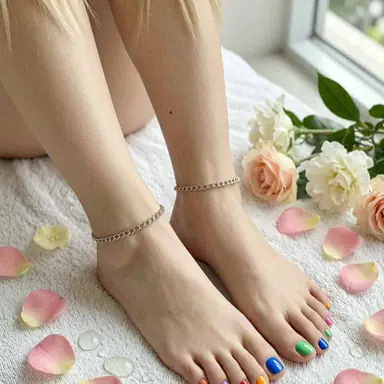
Relaxed poses in complete environments
Design an original barefoot image around a complete pose and environment rather than an isolated detail. Try a natural standing weight shift, seated pose, crossed ankles, pointed feet, or a walking scene. Homes and studios provide clean visual control, while beaches, grass, gardens, and poolside settings add texture and context. Finish the look with a natural pedicure, anklet, toe ring, jeans, a dress, sandals, or other everyday styling.
Better text-to-image direction
A useful feet prompt describes the whole visual decision, not only the subject. Combine these four details to give the generator a clearer composition and reduce random results.
Name the pose first, then specify close-up, full-body, side view, low angle, top-down, feet-first, or both soles facing the camera.
Describe the subject and choose a realistic photo, fashion editorial, soft lifestyle image, or illustrated and anime-inspired finish.
Add the foot position, arches, natural texture, toe shape, pedicure color, anklet, toe ring, socks, sheer stockings, sandals, or heels.
Complete the prompt with a studio, home interior, beach, grass, garden, spa, or poolside setting, plus the lighting mood and aspect ratio.
What is an AI feet generator?
An AI feet generator is a text-to-image tool designed to create original feet pictures from a written description and visual controls. HeadshotMaster combines pose presets with settings for style, subject appearance, location, accessories, camera format, and a custom prompt.
How do I create an AI-generated feet pic?
Choose a pose such as soles, toes, close-up, standing, or pedicure. Select a realistic or illustrated style, set the subject and scene details, choose an aspect ratio, and describe the camera angle and mood in the prompt. Generate the image and revise any setting when you want a different result.
Can the AI feet pics generator create realistic and anime images?
Yes. Photo mode is intended for realistic lighting, texture, fashion, beauty, and lifestyle concepts, while Illustration mode is better for drawn or anime-inspired ideas. The prompt can further define the finish, color palette, and level of detail.
Can I generate close-up feet soles and visible arches?
Yes. Select the Soles, Crossed, Close-up, or Standing preset, then describe whether one or both soles face the camera, how close the lens should be, and whether the composition should show arches, heels, toes, lower legs, or the complete subject.
Can I create AI toes with pedicures, jewelry, and footwear?
Yes. You can combine the Toes or Pedicure preset with nail polish, an anklet, toe rings described in the prompt, socks, sheer stockings, sandals, open-toe shoes, or high heels. Include the nail color, gloss, lighting, and crop for more specific results.
Which barefoot poses and settings can I describe?
Try standing, seated, crossed-ankle, pointed-foot, raised-foot, or walking poses. Available setting controls include a studio, living room, beach, garden, poolside, spa, nature, or cafe, and the prompt can add more environmental detail.
Which image aspect ratios does the generator support?
The generator supports 1:1 square, 3:4 and 9:16 portrait formats, and 4:3 and 16:9 landscape formats. Choose the ratio according to whether you need a close detail, a full standing pose, a social post, or a wider environmental scene.
What can I create with the AI feet generator?
Use the tool for original creative work such as footwear concepts, beauty and pedicure visuals, illustration references, photography plans, moodboards, product ideas, or everyday lifestyle scenes.
Choose a pose, define the subject and scene, add the details that matter, and turn your idea into a custom feet picture.